How to Register on FameEX (Web)?
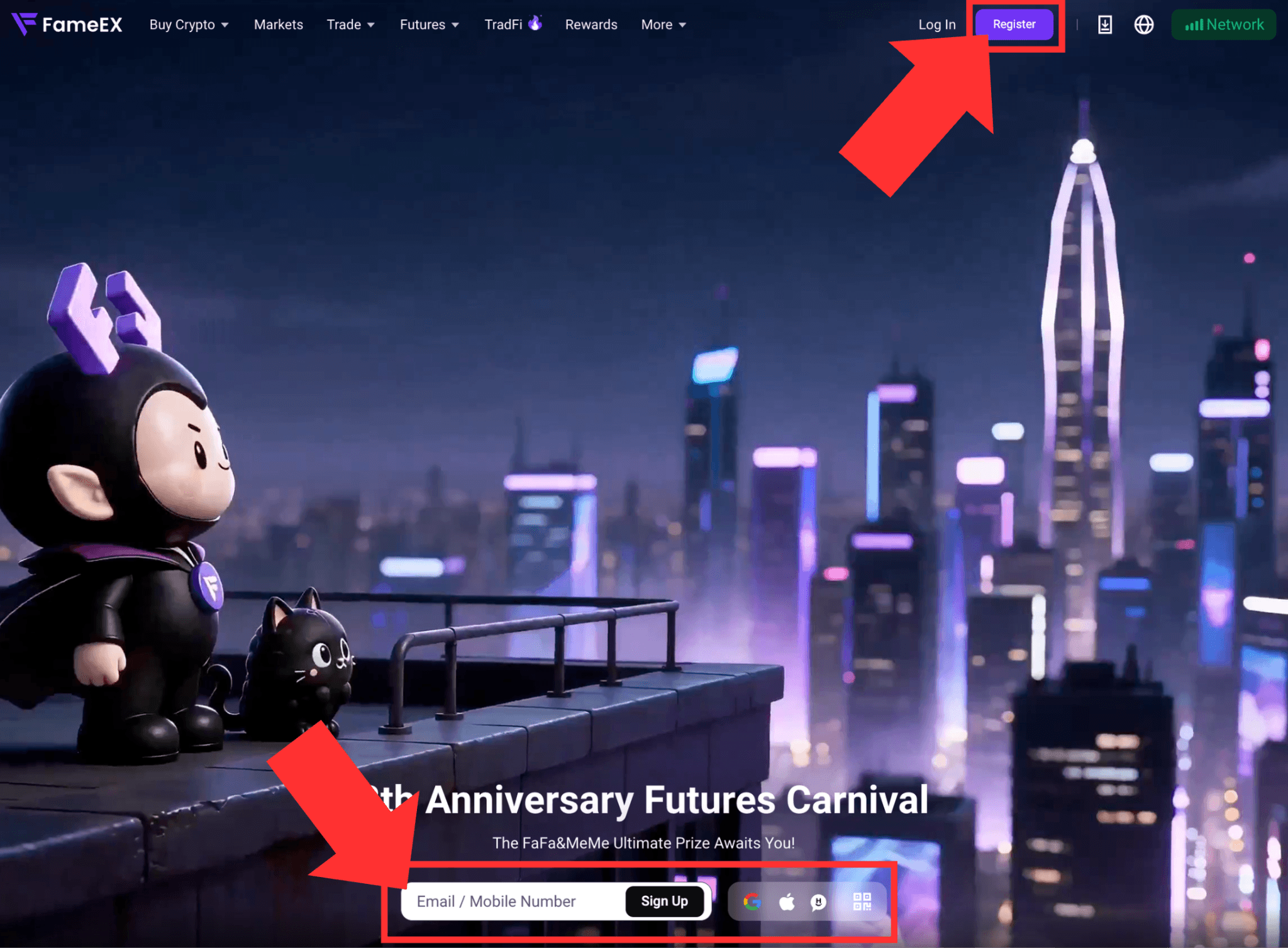
2026-08-13 06:34:101. Go to the FameEX official website and click [Register] in the upper-right corner to enter the registration page. You can also enter your email address or phone number on the homepage, then click [Sign Up].
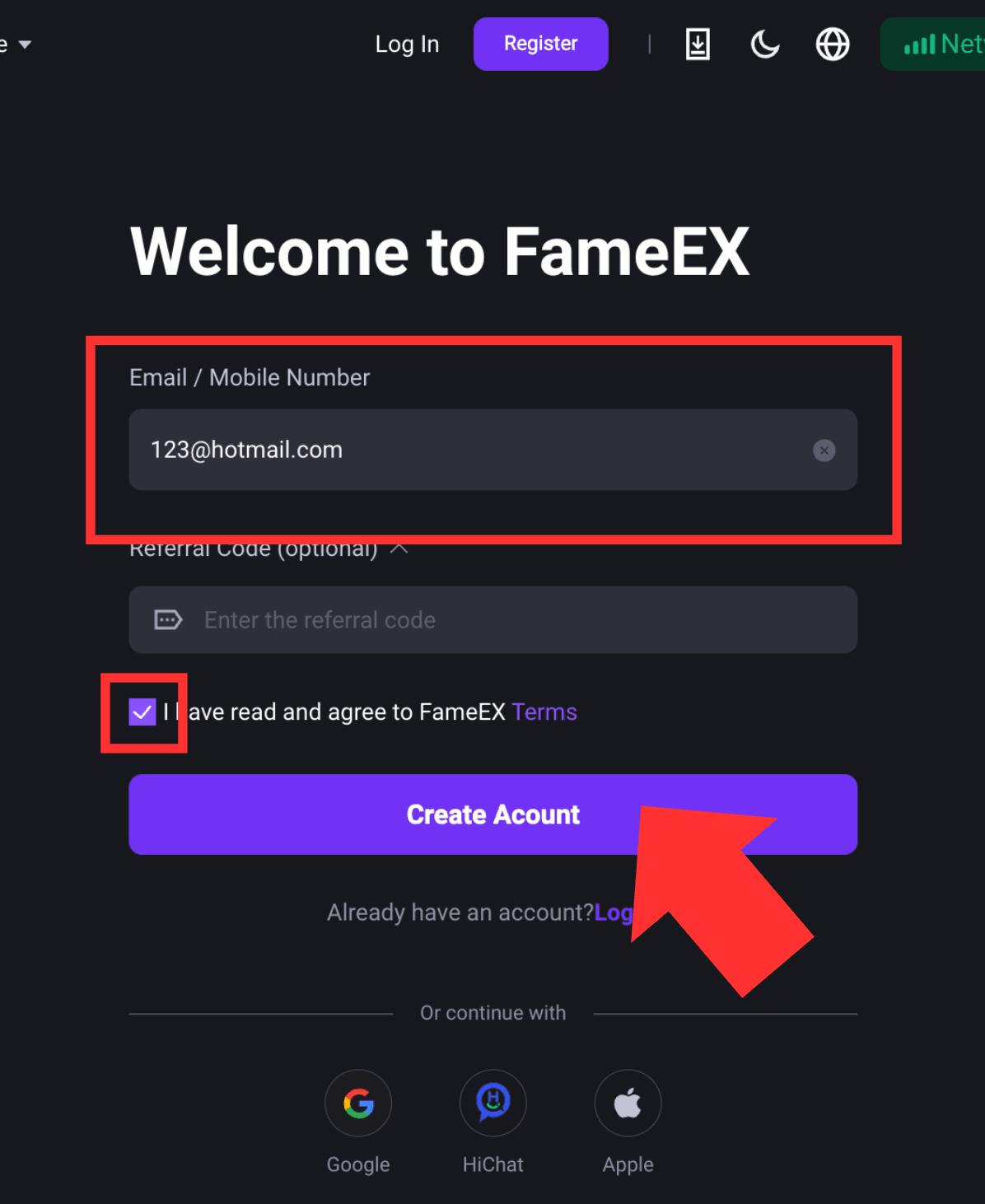
2. In the sign-up page, enter your email or phone number. Check the box to confirm that you have read and agreed to the FameEX Terms of Service, then click [Create Account]. If you have a referral code, you may enter it in the optional field.
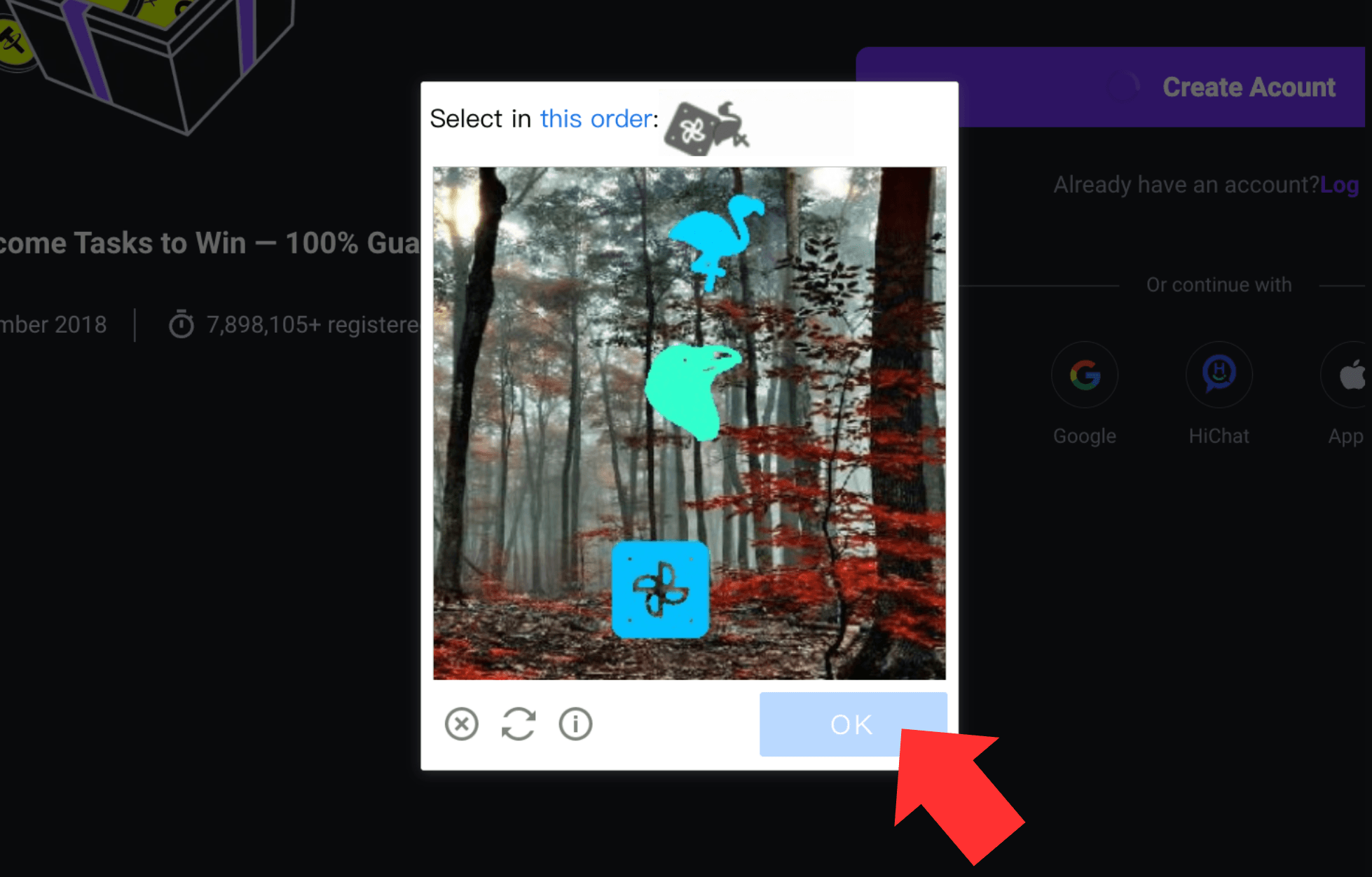
3. Follow the pop-up instructions to complete the security verification.
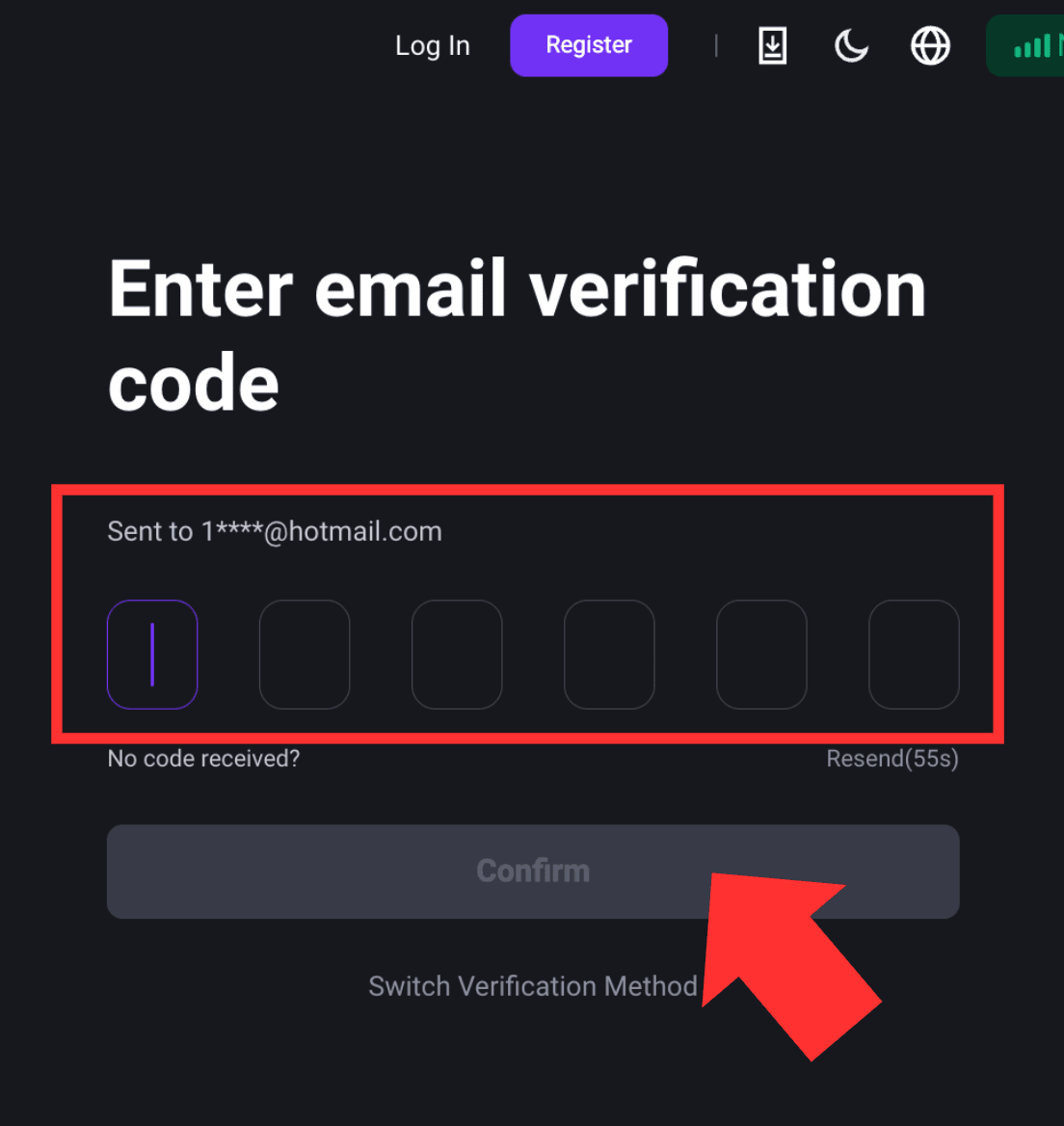
4. Once the security verification is completed, your verification code will be sent to your email or phone number you provided. Enter the verification code, then click [Confirm].
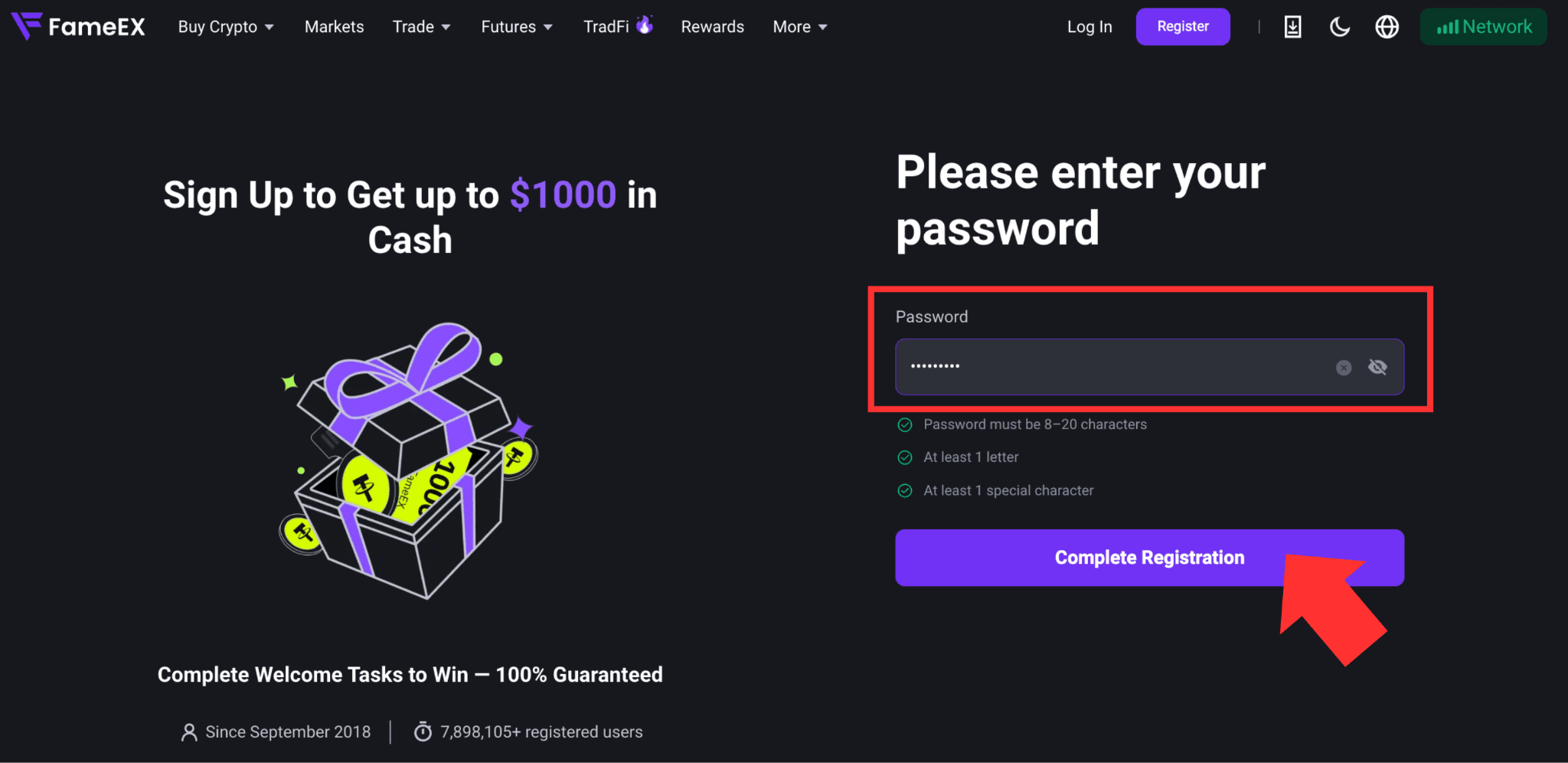
5. After verification, set up your login password. The password must contain 8–20 characters, including at least one letter and one special character. Click [Complete Registration] to finish creating your FameEX account.
Security Tips
To improve your account security, we recommend enabling two-factor authentication (2FA) after registration. You can use phone number verification or Google Authenticator. For instructions on setting up Google Authenticator, please refer to How to Enable/Disable/Change Google 2FA? (Web).